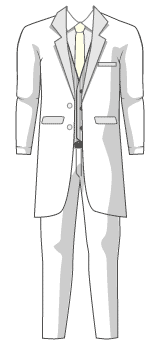
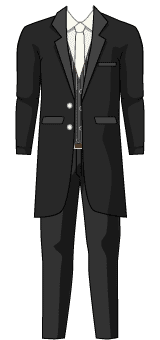
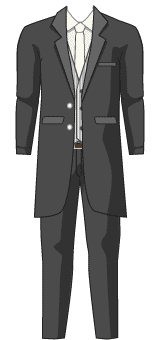
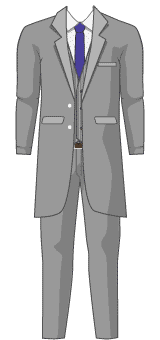
With Avachara’s free wedding avatar maker, you can create a cartoon portrait of a bride and groom side by side. Mix hairstyles, eye colors and facial features, then dress the couple in wedding outfits and pick a background. It's a playful way to put a personal touch on wedding inspiration, save-the-date ideas, or a digital wedding keepsake.
How to Create Your Couple Portrait
Choose Groom or Bride to edit. Both characters stay on the canvas, and each person’s features are saved separately.
Explore Outfits for wedding gowns, tuxedos and accessories, then choose a Background you like.
Select Create Image, choose from five designs, add names if you want, and save a PNG.
Wedding Portraits, Welcome Signs & Keepsakes
Try a classic wedding portrait, a heart frame or a wedding welcome sign design. In the U.S., couples often display a welcome sign at the ceremony or reception entrance. Our image can be a starting point for a DIY sign, a wedding website graphic or a personal keepsake; check your intended print size and resolution before printing.
Saving and Using Your Image
The maker works on desktops, iPhones and Android phones. If downloading is unavailable on your phone, try touching and holding the finished picture. Personal and commercial uses may have different terms. See our Terms, Commercial Licensing, or Help.